Create a group
Groups organize profiles by campaign (for example “Facebook warm” or “Shopee checkout”). Create a group before you mass-create profiles so you can filter and run them in batches.
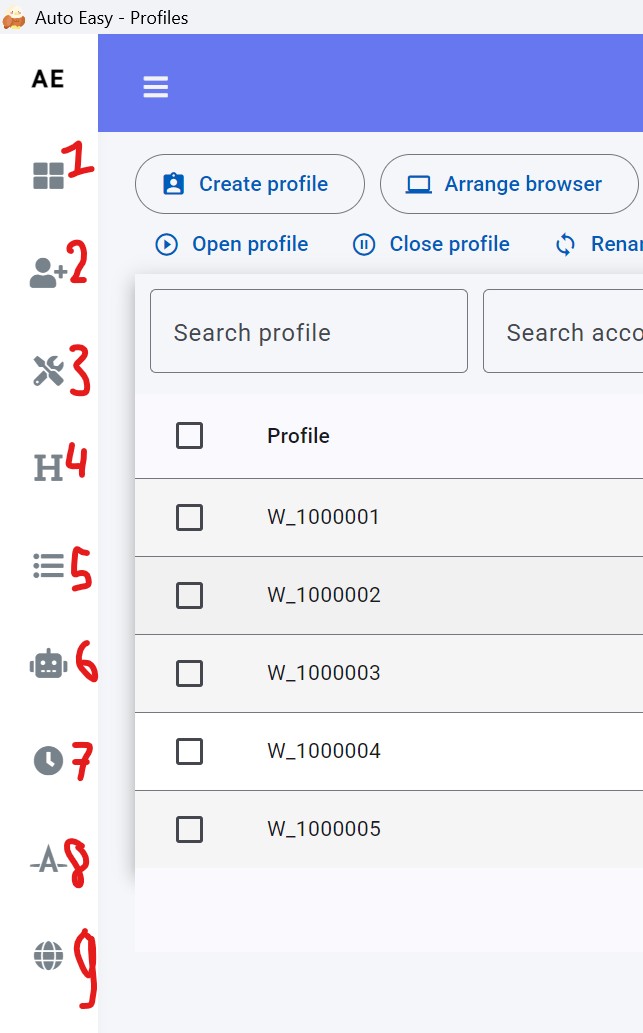
Open Groups
- In the left menu, click Group (label 1 in the screenshot).
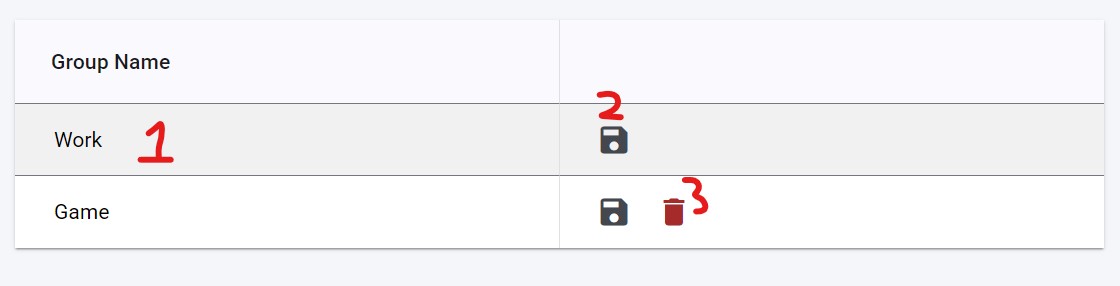
Create or delete a group
- Type the group name in field 1.
- Click Save (2).
- To delete, select the group and click delete (3).
Next: Create and manage profiles. Pick this group when you create profiles.