Sync actions
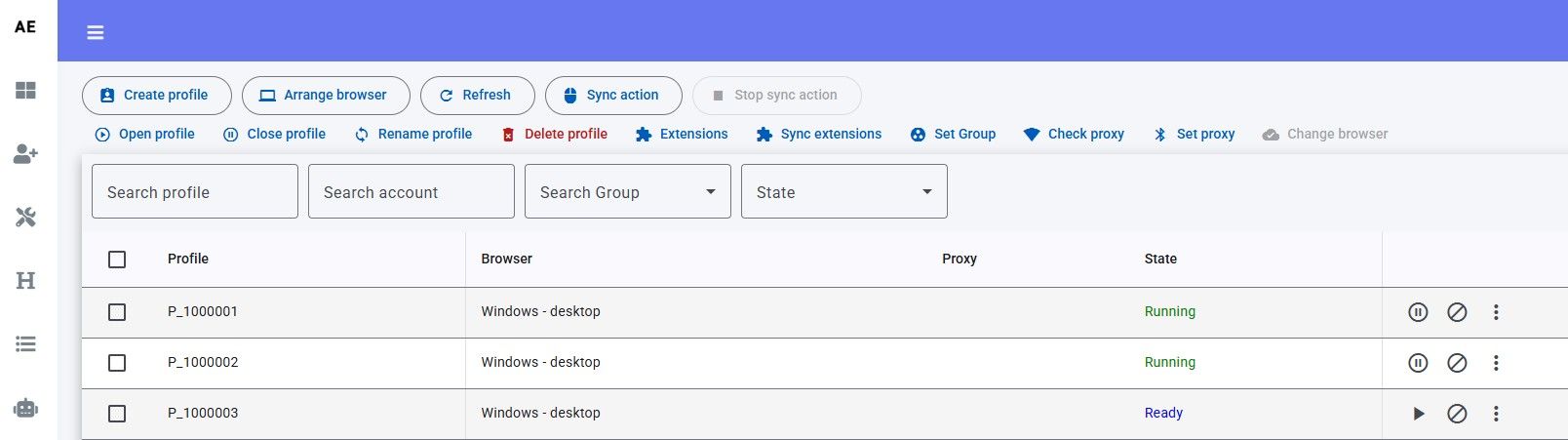
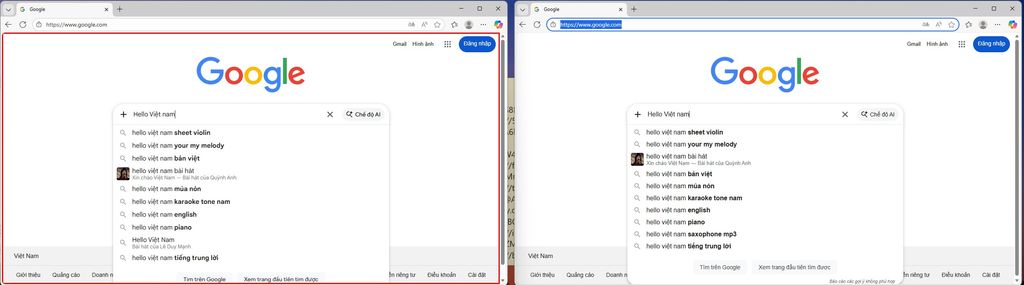
Sync action repeats the master profile’s clicks, typing, and scrolling on every other open profile. You need at least two open profiles.
Turn sync on
- Open two or more profiles.
- Click Sync action.
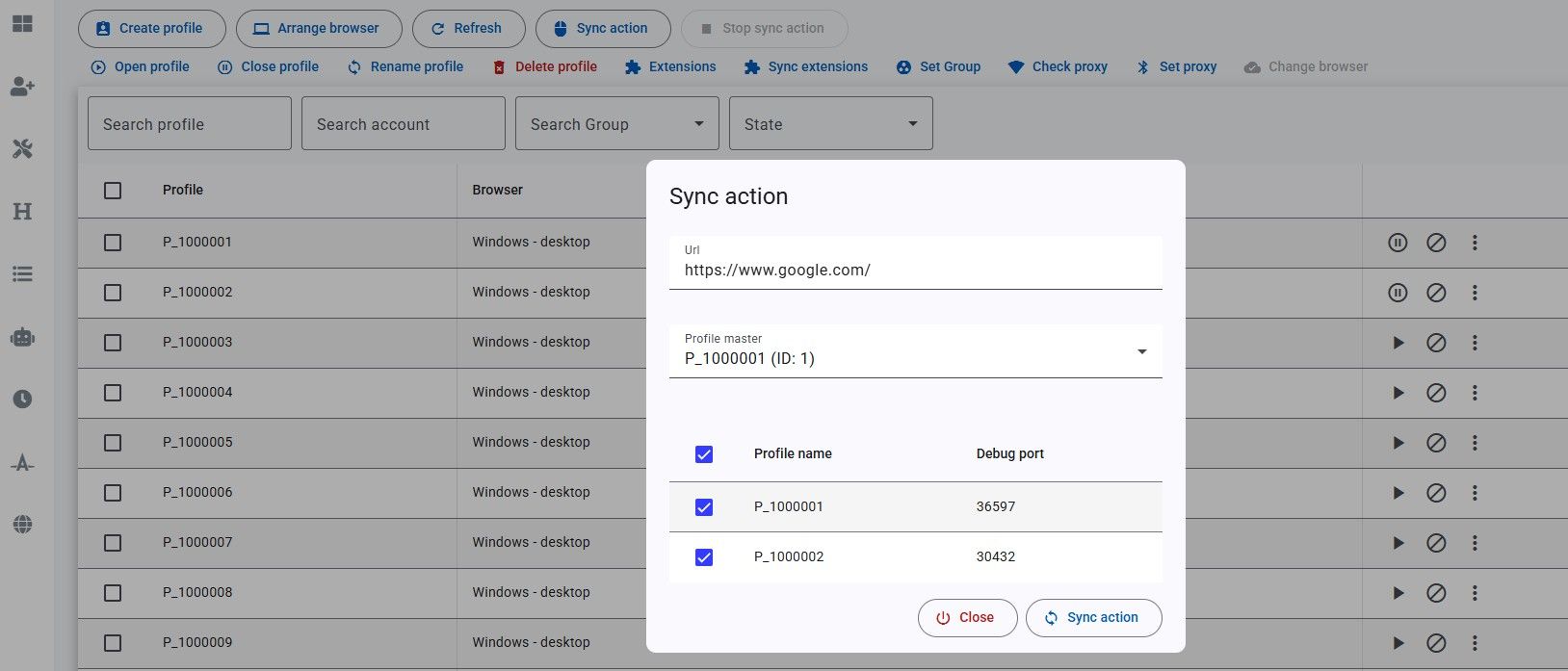
Pick the master and followers
- Url — page to open when sync starts. Leave empty to stay on the current page.
- Profile master — the window you operate by hand. Every click and keystroke is copied to the others.
- Tick follower profiles in the table.
- Click Sync action again to start.
Stop
Click Stop sync action. Profiles stay open; only the copy of actions stops.
This is not the same as syncing extensions. Sync action copies live input; it does not copy extension files.